
Adobe Premiere Expands to Android: Fast, Powerful, Easy Mobile Video Editing
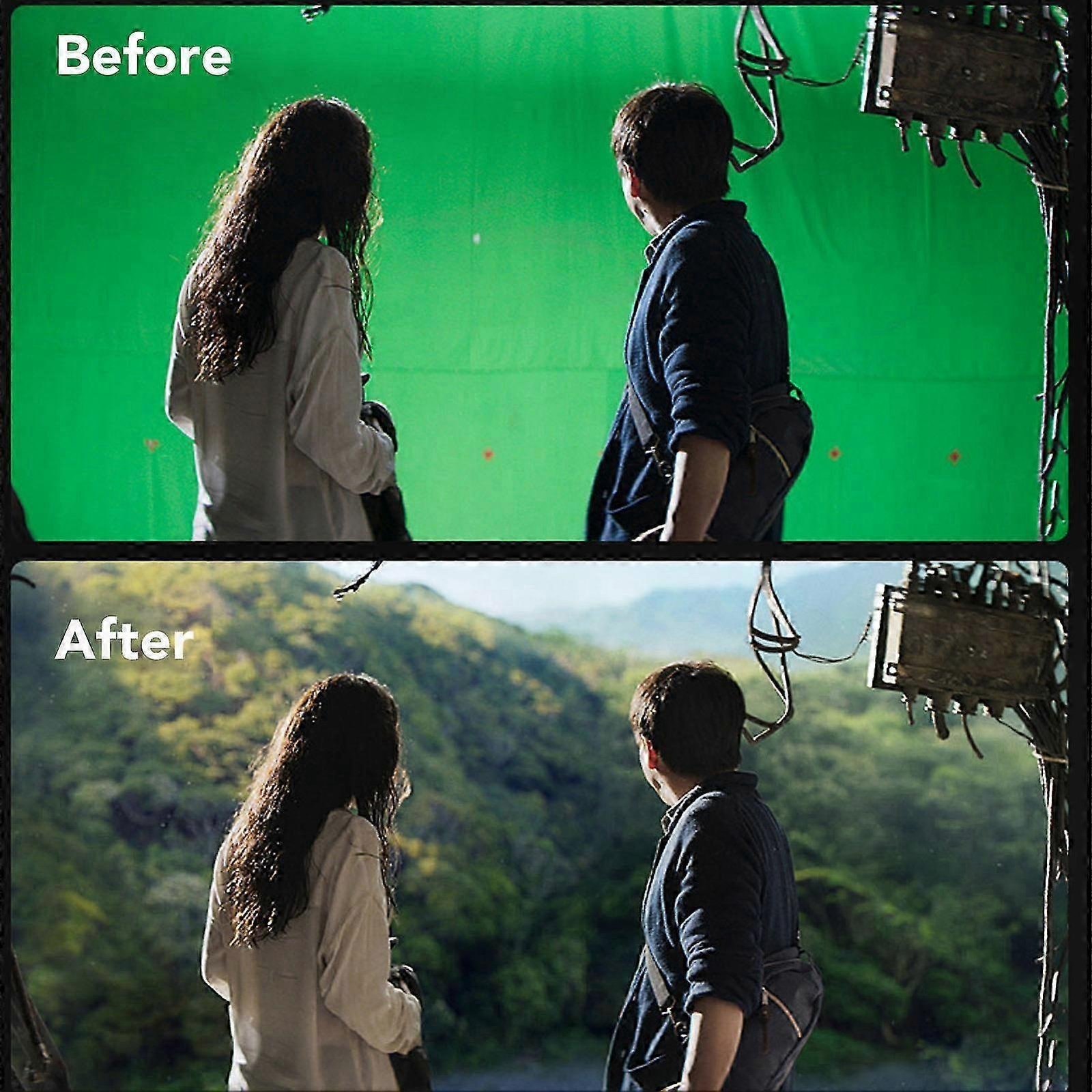
For years, mobile video creators on the Android operating system have faced an uneven playing field. While iOS creators enjoyed tailored editing apps, Android filmmakers and social media creators often juggled ad-riddled utilities, compressed exports, and intrusive watermarks. That imbalance ends today: Adobe has officially launched Adobe Premiere for Android across the Google Play Store, bringing a professional-grade, multi-track editing suite directly to Android smartphones, foldables, and tablets.
Engineered from the ground up for modern ARM chipsets, Adobe Premiere on Android is not a watered-down novelty. It delivers unrestricted 4K video exports with zero watermarks on the free tier, native integration of Adobe's acclaimed AI Enhance Speech engine, precise multi-track audio and video timelines, and frictionless project handoff to Premiere Pro on desktop. In this comprehensive guide, we test its standout features, compare it against CapCut and DaVinci Resolve, detail hardware requirements, and walk through a quick-start mobile tutorial.
Standout Features at a Glance
- Free 4K Export with Zero Watermarks: Export ultra-high-definition 4K 60FPS video completely free without mandatory branding logos or trial restrictions.
- Integrated AI Enhance Speech: Clean noisy mobile microphone recordings with on-device AI voice isolation that removes wind, traffic, and room echo.
- Smart Auto-Reframe: Automatically tracks the central subject and reframes landscape (16:9) clips into vertical (9:16) format for YouTube Shorts, Instagram Reels, and TikTok.
- Desktop Handoff via Creative Cloud: Start your rough cut on the subway on your phone and finish your color grade and sound mix in Premiere Pro on your studio workstation.
What Makes Adobe Premiere on Android a Game Changer?
The mobile video creation market has exploded, but most consumer apps force aggressive paywalls, lock high-resolution exports behind monthly subscriptions, or inject promotional end-cards. Adobe has flipped this dynamic by delivering a clean, creator-centric application that respects production standards.
1. Precision Multi-Track Timeline
Unlike single-track story-builders, Premiere Android provides a genuine multi-layer non-linear editing timeline. Creators can stack up to four video tracks with picture-in-picture (PiP) compositing, blending modes, opacity keyframing, and up to three dedicated audio tracks for dialogue, sound effects, and music.
2. Mobile AI Enhance Speech
Shooting on the street or in crowded venues often results in muffled or wind-distorted audio. Premiere on Android ports the machine learning voice isolation algorithms of desktop Premiere Pro. With a single tap, the app processes mobile microphone recordings, eliminating environmental rumble while restoring rich vocal presence.
3. Lumetri-Powered Color Grading
Drawing on Adobe's industry-standard Lumetri color engine, creators can apply professional color science directly on mobile displays. From curated film LUTs and cinematic warm presets to precision exposure, contrast, temperature, and saturation sliders, mobile filmmakers can grade log footage captured on modern Android flagships with nuanced fidelity.
Comparative Analysis: Premiere Android vs. CapCut vs. DaVinci Resolve vs. Rush
To understand where Adobe Premiere sits in the mobile landscape, examine the feature breakdown below:
| Editing Platform | Free Tier 4K Export | Mandatory Watermark | Desktop Workflow Sync | Audio Cleanup Quality |
|---|---|---|---|---|
| Adobe Premiere Android | Yes (Up to 4K 60FPS) | None (100% clean) | Direct cloud sync to Premiere Pro (.prproj) | Studio quality (Enhance Speech AI) |
| CapCut Mobile | Restricted / Pro-locked features | Appends default outro card (removable) | Limited desktop app compatibility | Good basic noise reduction |
| DaVinci Resolve (iPad / Galaxy Tab) | Yes (Ultra HD) | None on free tools | Full desktop DaVinci project compatibility | Fairlight suite (Complex, high learning curve) |
| Adobe Premiere Rush (Legacy) | Limited free exports | None | Basic Creative Cloud sync | Basic legacy noise reduction |
Note on Adobe Premiere Rush: Adobe Premiere on Android serves as the modern architectural successor to Adobe Premiere Rush. While Rush remains available for legacy projects, active development and new AI innovations are centered entirely on the new Premiere Android platform.
Hardware Compatibility & Tablet / Foldable Optimizations
To deliver real-time 4K scrubbing and responsive AI audio rendering, Adobe Premiere requires capable modern hardware. The app is optimized for high-refresh-rate displays and features tailored layouts for foldable devices (such as the Samsung Galaxy Z Fold series and Google Pixel Fold), as well as multi-column workspace modes on Android tablets.
System Requirements
- Operating System: Android 13 or later.
- System RAM: 5GB minimum; 8GB+ recommended for multi-track 4K sequences.
- Processor / Chipset: Qualcomm Snapdragon 8 Gen 1 / Gen 2 / Gen 3, Google Tensor G2 / G3 / G4, or MediaTek Dimensity 9000-series.
- Storage: Minimum 4GB free internal storage for application cache and temporary video render buffers.
Quick-Start Tutorial: From Phone Capture to 4K Publish in 5 Steps
Creating a polished vertical short takes only minutes with the new mobile layout:
- Create a New Sequence: Tap New Project, select your captured phone clips, and choose your aspect ratio (9:16 for Shorts/Reels/TikTok, or 16:9 for YouTube).
- Trim & Ripple Edit: Scrub through your clips on the magnetic timeline. Use pinch-to-zoom to expand audio waveforms, and drag clip edges to execute frame-accurate ripple trims.
- Apply Enhance Speech: Tap your dialogue clip, select the Audio tool in the bottom action bar, and tap Enhance Speech. Listen as background ambient rumble instantly vanishes.
- Add Titles & Captions: Tap the Text tool to insert stylized motion graphics titles. Customize fonts, drop shadows, and entrance animations to match your channel branding.
- Export in Clean 4K: Tap Export in the top-right corner. Select 4K (2160p) at 30 or 60 FPS, verify that the zero-watermark option is active, and share directly to YouTube, Instagram, or your camera roll.
Pricing: Generous Free Tier vs. Creative Cloud Pro Perks
Adobe Premiere for Android adopts a creator-friendly freemium model. Core editing, multi-track timelines, basic transitions, Lumetri filters, and watermark-free 4K exports are 100% free for all users with a basic Adobe ID.
Users holding an active Adobe Creative Cloud All Apps or Premiere Pro Single App subscription unlock premium perks: unlimited cloud storage syncing for desktop project handoff, priority Firefly generative credits on mobile, premium Adobe Stock audio library access, and advanced automated caption styling.
Frequently Asked Questions (FAQ)
Is Adobe Premiere on Android truly free without watermarks?
Yes. You can edit and export videos up to 4K resolution at 60 FPS with zero watermarks or forced branding cards without paying a subscription fee.
Can I transfer projects from Android to Premiere Pro on my PC or Mac?
Yes. Projects automatically sync via Creative Cloud. You can open your mobile timeline directly inside desktop Premiere Pro with all cuts, audio tracks, and color edits intact.
Will Premiere Android run on budget or older Android phones?
The app requires Android 13 or newer and at least 5GB of RAM. Older devices with under 4GB of RAM or older 32-bit processors are not supported.
Does Adobe Premiere on Android replace Adobe Premiere Rush?
Yes. Premiere on Android is built on a new, modern codebase designed to supersede Premiere Rush, offering faster rendering, deeper AI capabilities, and higher stability.