
How AI Is Transforming 3D Animation, Motion Graphics and Visual Effects
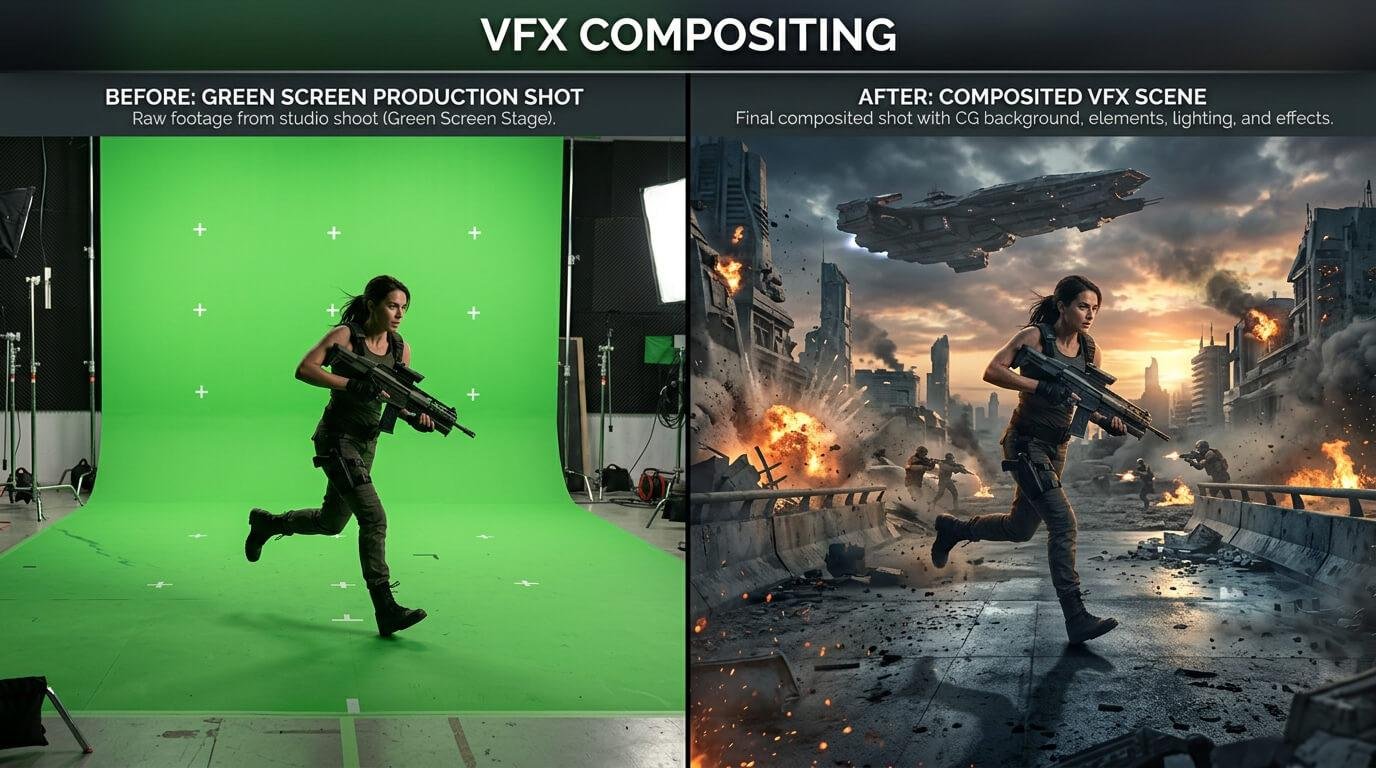
AI is no longer a side tool in 3D pipelines. It is becoming a core collaborator, handling tedious tasks and unlocking creative possibilities that were impractical a few years ago. Here is how AI is transforming 3D animation, motion graphics and VFX in 2026.
1. Procedural and Generative 3D
Generative models can now produce 3D meshes, textures and scenes from text or images. Artists use them for rapid prototyping, concept blocking and background assets. The output still needs cleanup, but it compresses days of work into minutes.
2. AI-Assisted Rigging and Animation
Machine learning speeds up rigging, skinning and motion capture cleanup. Auto-rigging tools generate skeletons from meshes; motion synthesis fills gaps and smooths mocap data. Animators spend less time on mechanics and more on performance.
3. Smart Rendering and Denoising
AI denoisers and upscalers make ray-traced previews usable in real time. DLSS and OptiX let artists iterate on lighting and materials without long render waits. RTX Spark's local compute pushes this further for portable workflows.
4. Automated Rotoscoping and Tracking
AI segmentation and tracking tools handle rotoscoping that once took hours. This frees compositors to focus on integration, lighting and storytelling.
5. Motion Graphics Automation
Template-driven motion graphics now adapt to data and brand guidelines automatically. AI suggests layouts, color palettes and timing, accelerating explainer and social content production.
6. Asset Management and Search
AI tagging and semantic search make large asset libraries usable. Find "red sports car at sunset" without manual tagging.
7. Virtual Production and Real-Time
AI enhances in-camera VFX, from real-time background generation to intelligent camera tracking, blurring the line between previs and final.
Challenges and Cautions
- Quality control: AI output needs artist review.
- Consistency across shots and sequences.
- Copyright and training data questions.
- Over-reliance reducing craft skills.
Frequently Asked Questions
Will AI replace 3D artists?
No. It elevates them. Artists who direct AI produce more and better work; pure button-pushers face pressure.
Which tools should I learn?
Blender, Houdini, Unreal, ComfyUI and one generative 3D tool. Fundamentals of lighting, composition and animation remain essential.
Is AI 3D production-ready?
For prototyping, backgrounds and cleanup, yes. For hero assets, traditional pipelines still lead.
How do I start?
Take our AI + 3D VFX course and experiment with free 3D assets.