
How to Create Realistic Fire, Smoke and Explosion Effects in Your Videos
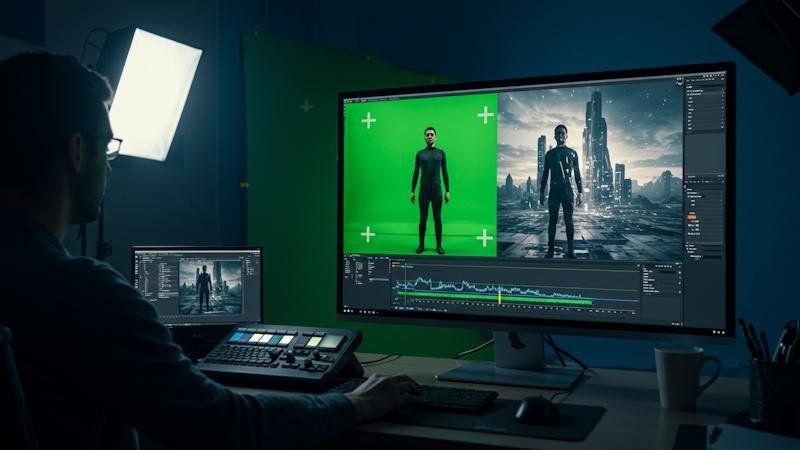
Fire, smoke and explosions are the most requested VFX elements in action, horror and sci-fi. Done well, they sell the shot. Done poorly, they look like stickers. Here is a practical workflow for realistic results.
1. Gather Quality Elements
Start with high-resolution overlays shot on black or with alpha channels. Free packs from DownloadVFX, ProductionCrate and FX Elements include 4K fire, smoke and blasts. Check our free VFX overlays.
2. Composite with the Right Blend Mode
- Fire: Screen or Add blend mode on black backgrounds.
- Smoke: Screen or Lighten, then reduce opacity.
- Explosions: Screen for the flash, then layer debris with Multiply.
3. Track and Anchor
Use motion tracking to lock elements to the plate. Add a null object and parent the overlay to it. For camera moves, solve the camera and place elements in 3D space.
4. Match Light and Color
Fire casts orange light. Add a subtle orange glow to nearby surfaces using an adjustment layer and a mask. Match the color temperature of smoke to the scene. Reduce saturation on distant smoke for atmospheric perspective.
5. Add Interaction
Real fire affects its environment. Add heat distortion with a displacement map, ember particles and flickering light on the subject. For explosions, add camera shake and dust kick-up.
6. Particle Simulations (Advanced)
For full control, use particle systems in Blender, Houdini or After Effects. Simulate embers, debris and smoke volumes. Cache simulations and render with motion blur.
7. Sound Design Sells It
Layer a whoosh, a low rumble, crackling fire and debris hits. Sync the peak of the explosion to a sub-bass impact. Browse free sound effects for whooshes, impacts and fire.
8. Grain and Final Polish
Add film grain, a subtle vignette and a final color grade. Check the shot at 100% speed and frame by frame. Fix any edge halos or color fringing.
Frequently Asked Questions
Can I do this in CapCut?
Yes for simple overlays. Use blend modes and opacity. For tracking and particles, use desktop tools.
Where do I get free fire VFX?
DownloadVFX, ProductionCrate, FX Elements and MyCreativeFX offer free fire and explosion overlays with alpha channels.
How do I make fire look realistic?
Match color temperature, add glow to surroundings, use motion blur and layer embers and smoke.
What about safety?
Never use real fire or explosives without professionals and permits. VFX exists to keep everyone safe.