
Green Screen VFX
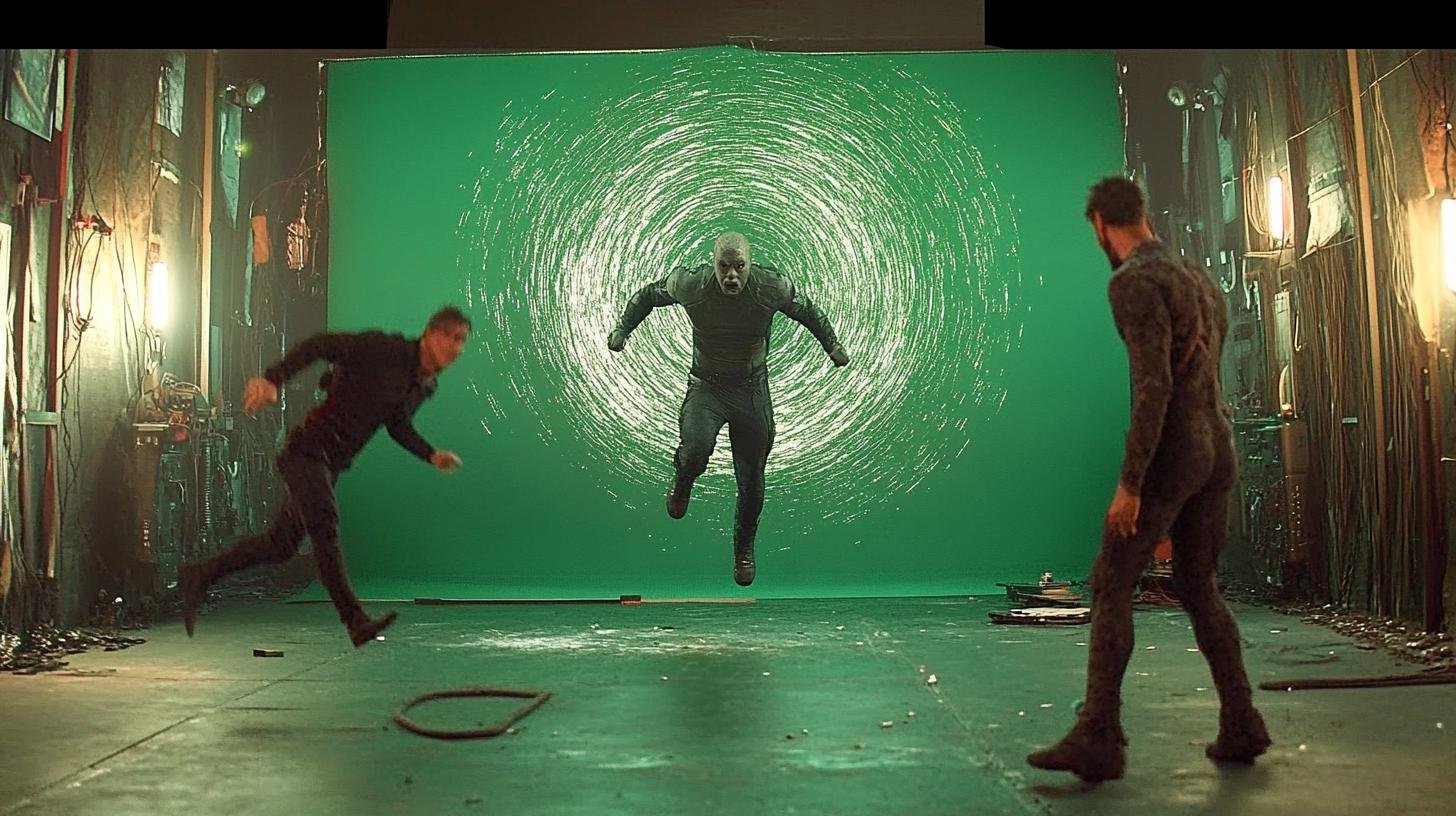
Free Green Screen VFX Footage: The Ultimate Guide for Video Editors
8 min read
Green screen technology has revolutionized video production, making it possible for creators of all levels to produce stunning visual effects that were once reserved for Hollywood blockbusters. Whether you are a seasoned editor or just starting out, understanding how to leverage free green screen VFX footage can dramatically improve your projects and save you significant time and budget.
## Understanding Green Screen (Chroma Key) Technology
Chroma key compositing, commonly known as green screening, works by removing a specific color from your footage and replacing it with a different background. Green is typically used because it is the most distinct color from human skin tones, making the keying process cleaner and more reliable.
When you record a subject against a green screen, the editing software identifies and removes all the green pixels, creating a transparent area where your chosen background can be placed. This simple yet powerful technique opens up endless creative possibilities.
## Why Use Free Green Screen VFX Footage?
Using pre-made green screen footage offers several compelling advantages:
### 1. Cost Efficiency
Professional VFX can be extremely expensive to produce from scratch. Free green screen assets allow you to access high-quality effects without the production costs.
### 2. Time Savings
Creating custom VFX elements requires time for shooting, editing, and rendering. Free footage gives you ready-to-use assets that can be implemented immediately.
### 3. Creative Flexibility
With a library of green screen elements at your disposal, you can experiment with different visual effects and find the perfect match for your creative vision.
### 4. Learning Opportunity
Working with pre-made green screen footage is an excellent way to learn compositing techniques before investing in original VFX production.
## Best Practices for Working with Green Screen Footage
### Lighting Considerations
Even lighting across the green screen is crucial for clean keying. Shadows and hotspots can make the removal process more difficult and result in edge artifacts.
### Color Correction
Before keying, adjust your footage for proper exposure and color balance. This step ensures the green screen is evenly lit and the subject is properly separated.
### Edge Refinement
Pay close attention to fine details like hair and transparent objects. Use edge blur and spill suppression tools to create natural-looking composites.
### Layer Management
Organize your project with separate layers for background, green screen footage, and any additional effects. This structure makes adjustments and revisions much easier.
## Recommended Green Screen VFX Categories
Here are some popular categories of free green screen footage to explore:
### Explosions and Fire
Add dramatic impact to your scenes with realistic explosion and fire effects. These elements work great for action sequences and dramatic moments.
### Smoke and Fog
Create atmospheric depth with smoke and fog overlays. Perfect for setting mood and adding visual interest to otherwise flat scenes.
### Weather Effects
Rain, snow, and lightning effects can transform ordinary footage into dynamic weather scenes without the logistical challenges of shooting in actual weather conditions.
### Sci-Fi Elements
Spaceships, laser beams, and futuristic interfaces bring science fiction concepts to life with professional-quality visuals.
### Nature and Animals
Add wildlife or natural elements to your projects without the complexity of location shooting or animal training.
## Compositing Workflow for Green Screen Footage
Follow these steps for professional results:
1. Import your green screen footage into your editing software
2. Apply the chroma key effect and select the green color
3. Adjust keying parameters to remove the background cleanly
4. Refine edges and suppress any green spill on your subject
5. Place your chosen background layer behind the keyed footage
6. Color match the foreground and background for a cohesive look
7. Add any additional effects or adjustments needed
8. Render and review your final composite
## Software Recommendations
Most professional video editing software includes built-in chroma key tools:
- **Adobe After Effects** - Industry standard with advanced keying options
- **DaVinci Resolve** - Professional-grade and available free
- **Final Cut Pro** - Mac-based with powerful compositing tools
- **HitFilm** - Free option with capable VFX tools
## Quality Tips for Best Results
### Resolution Matters
Always use the highest resolution footage available. This ensures your composites maintain quality even when scaled or cropped.
### Format Considerations
Lossless or high-bitrate formats preserve the most detail for keying. Avoid highly compressed formats when possible.
### Consistent Frame Rates
Match your green screen footage frame rate to your project to avoid motion artifacts and timing issues.
## Where to Find Quality Free Green Screen Assets
DownloadVFX offers an extensive collection of free green screen VFX footage organized by category. Our library includes explosions, smoke, weather effects, sci-fi elements, and much more. Each asset is professionally produced and ready for immediate use in your projects.
Browse our Green Screen collection to discover the perfect elements for your next video project. All assets are available for free download with commercial licensing included.
## Conclusion
Free green screen VFX footage is an invaluable resource for video editors at every skill level. By understanding the fundamentals of chroma key compositing and following best practices, you can create stunning visual effects that rival professional productions. Start exploring the possibilities today and take your video projects to the next level.